
Expert Tips for Maintaining Your Security Alarm Systems
Sa
Regular Inspection and Testing
To ensure your security alarm system is always in top working condition, regular inspection and testing are crucial. Set a schedule to check all components, including sensors, control panels, and alarms. This helps identify any potential issues before they become major problems. Regular maintenance can significantly extend the lifespan of your system and ensure it functions optimally.
Test Each Component
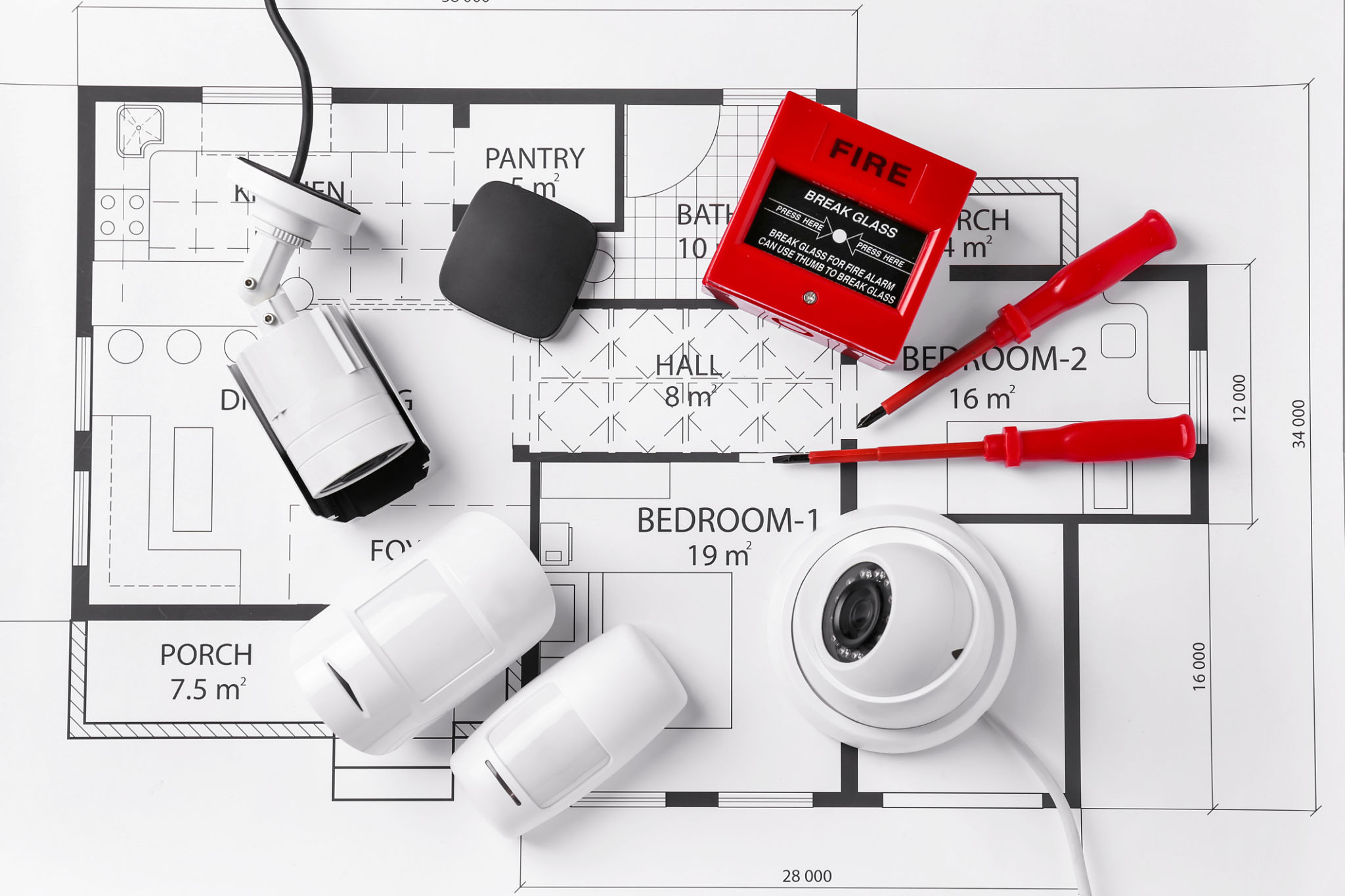
It's important to test each component of your alarm system individually. Start by checking the sensors at entry points like doors and windows. Ensure they trigger the alarm when opened. Next, test the control panel for any error messages or alerts. Finally, activate the alarm to make sure it sounds loud and clear.
Keep Software Updated
Many modern security systems come with software that requires regular updates. These updates often include important security patches and new features that enhance system performance. Make sure you keep your system's software up-to-date to protect against vulnerabilities.

Enable Automatic Updates
Whenever possible, enable automatic updates for your alarm system. This ensures you receive the latest patches without having to manually check for updates. If your system doesn’t support automatic updates, set a reminder to check for updates at least once a month.
Replace Batteries Periodically
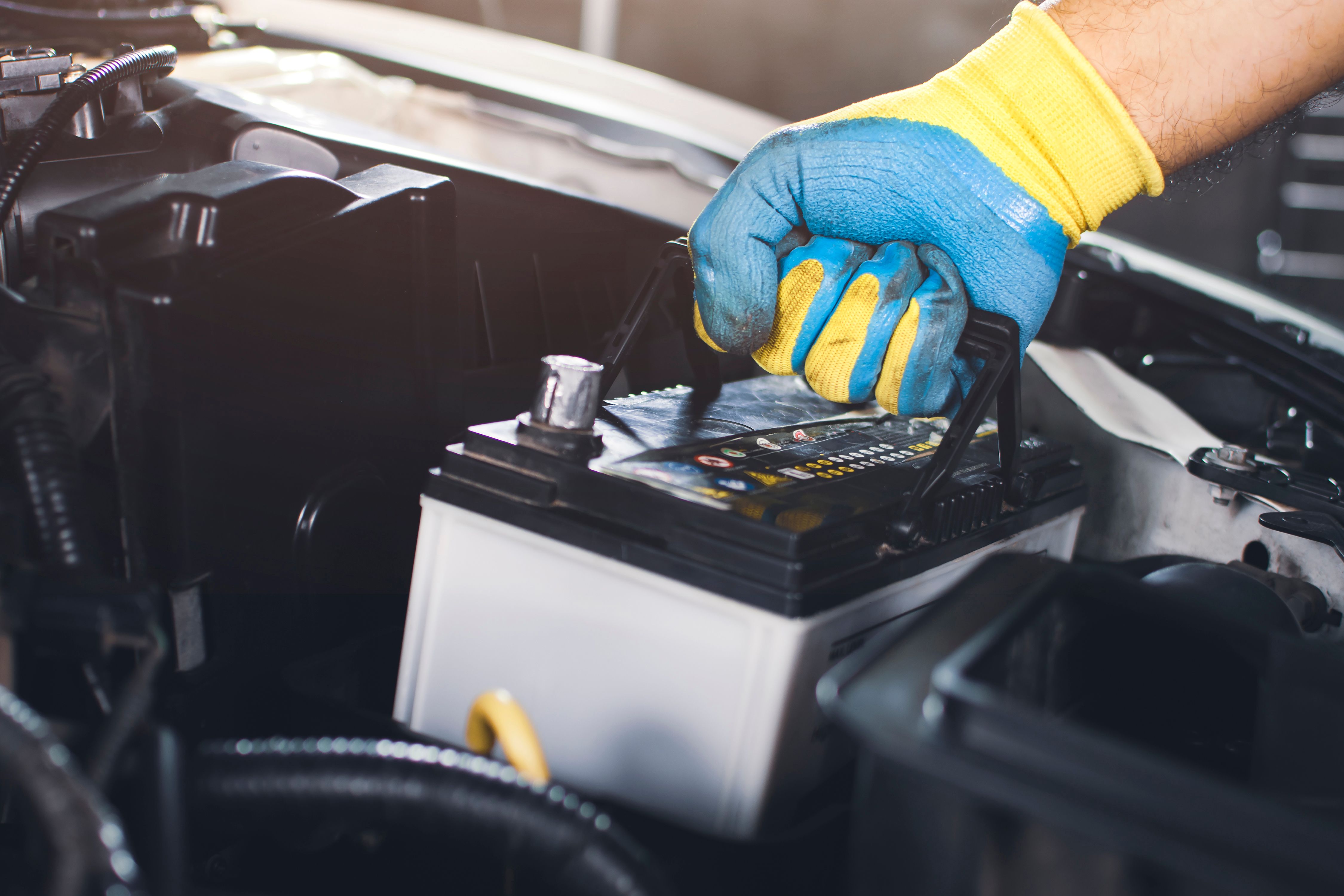
Batteries power many components of security alarm systems. Regularly replacing batteries in sensors and control panels is essential to prevent unexpected failures. Most systems will alert you when a battery is low, but it’s a good idea to replace them on a set schedule.
Use High-Quality Batteries
Invest in high-quality batteries to ensure longevity and reliability. Cheaper batteries might save money upfront but can lead to frequent replacements and system downtime. Always check your system’s manual for recommended battery types and brands.
Clean and Maintain Sensors
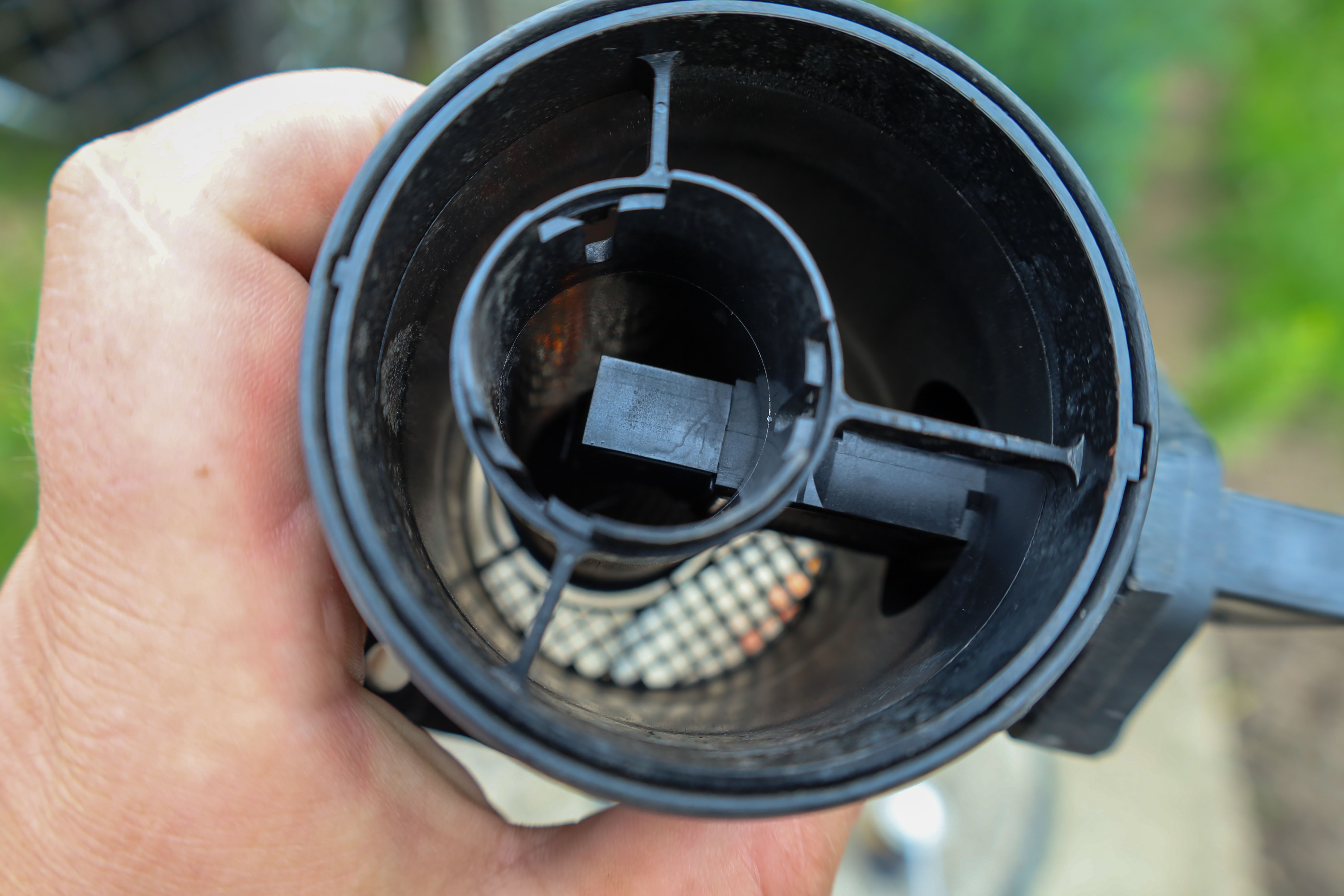
Dust and debris can interfere with the performance of your sensors. Regularly clean them with a soft, dry cloth to ensure they function correctly. Avoid using harsh chemicals that could damage the sensitive components.
Check for Physical Damage
During cleaning, inspect your sensors for any signs of physical damage. Cracks or loose components can affect their effectiveness. If you notice any damage, contact a professional for repair or replacement.
Professional Maintenance Services
Consider hiring a professional for periodic maintenance checks. Professionals can offer insights and perform tasks that might be beyond the average user’s expertise. This can include deep diagnostics, firmware updates, and thorough inspections.
Choose a Reputable Service
When selecting a professional service, research and choose a reputable company with positive reviews. A good service provider will have the necessary experience and tools to ensure your system remains in top condition.